

SKU: MICROSOFT-FOR-MAC
$25.00
$37.74
OFF 34%Delivery
Instant email delivery
Processing Time
Instant - 2h
Warranty
1 Year
* To protect your account information, we do not store customer data when upgrading personal accounts. Please provide your contact information when placing your order so our support team can assist you.
Important Warnings:
- This key CANNOT be used for Windows computers.
- The key will be bound to your personal Microsoft account. When switching devices, you need to sign out on the old device and redownload on the new one from your account management page.
- Office 2016 is a one-time purchase (Lifetime) but will not receive new features and future security updates from Microsoft (End of Life support).
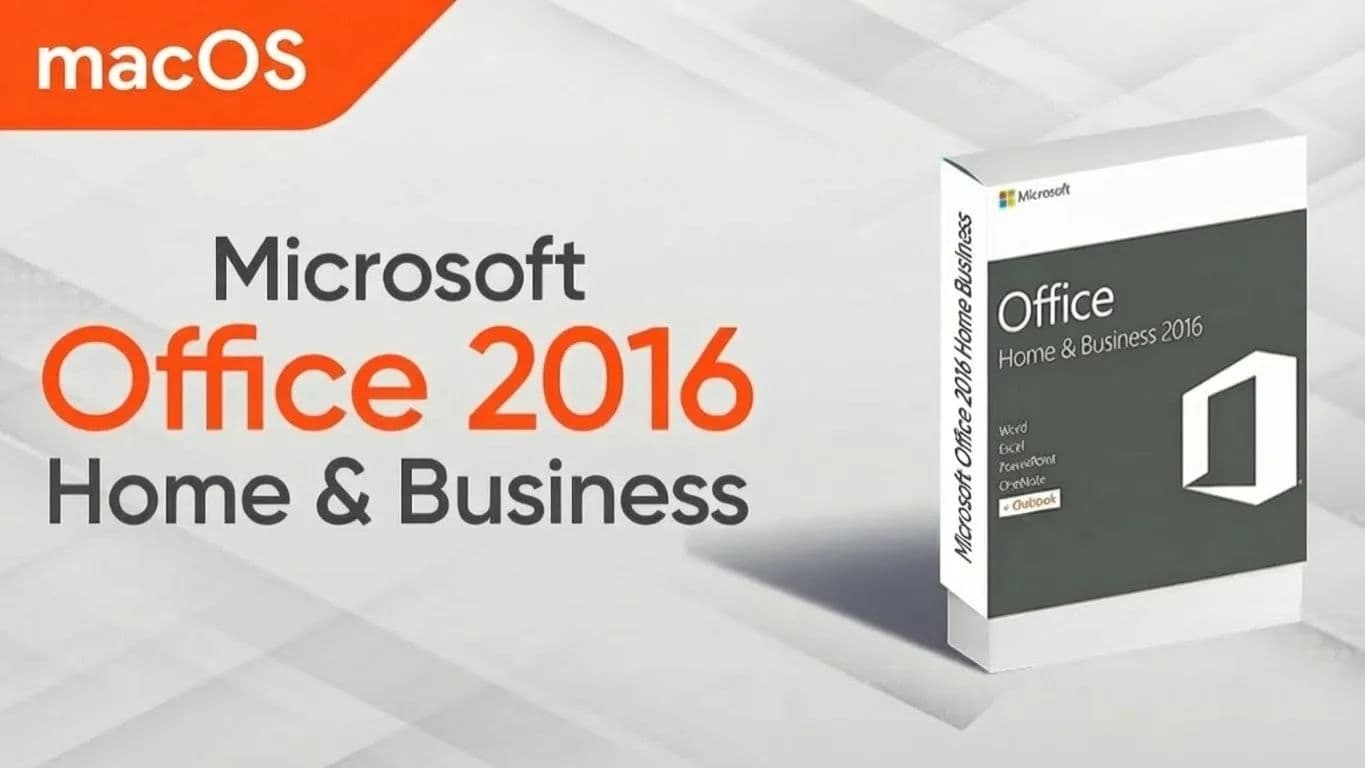
Empire Tech offers an economical and stable office solution for Mac users with Microsoft Office 2016 Home & Business. This is the perfect choice for older MacBooks or those who only need basic office features without paying monthly subscription fees.
Uses and Benefits:
Delivery Process (Empire Tech):
setup.office.com, log in to your Microsoft account, and enter the Key.Processing Time:
App Details:
Warranty Duration: Depends on the selected package, please check the information on the website and in the confirmation email sent upon ordering.
Policy:
Disclaimer:
Customer buys the wrong Key for a Windows machine (non-refundable due to key exposure). Customer forgets the Microsoft account password linked to the Key (Empire Tech cannot intervene in customer's MS account). Customer switches machines but does not deactivate on the old machine leading to license jam. Issues arising from customer's macOS being too old (below 10.10) or system errors.
1. How many machines can this key be used on? Each Key activates only 01 Microsoft account and can be used on 01 Mac at a time.
2. Can I reinstall if I switch to a new MacBook?
Yes. Since the Key is bound to your Microsoft account. You just need to go to account.microsoft.com/services, log in, and download the installer again on the new machine (note: uninstall Office on the old machine first).
3. How is Office 2016 different from Microsoft 365?
4. Does it work on Mac with M1, M2 chips? It can work via Apple's Rosetta 2 translator. However, for best optimization on Apple Silicon, Empire Tech suggests considering Office 2021 or Microsoft 365.
5. Do I need internet to use Word, Excel? No. You only need the internet to download and activate initially. Afterwards, you can use it Offline comfortably.
6. Does this version support Copilot AI? No. Copilot features are only supported on the latest Microsoft 365 versions.
7. Can I open Word files from Office 2010, 2013 on this version? Yes. Office 2016 has good compatibility and opens most old Office file formats.
8. Will I lose the license after reinstalling macOS? No. You just need to sign in again with the Microsoft account that activated the Key to continue using it.
9. What type of Key is this? This is a Retail Key, supported for activation and direct linking to the user's personal Microsoft account.
10. I am using a Cracked version, can I enter this key? No. You must completely uninstall the Crack/Pirated version and reinstall the standard installer from Microsoft (following instructions after entering the key) to ensure stability and virus-free usage.