

SKU: WINDOWS-11-CMD-CODE
$2.00
$4.15
OFF 52%Delivery
Instant email delivery
Processing Time
Instant - 2h
Warranty
1 Year
* To protect your account information, we do not store customer data when upgrading personal accounts. Please provide your contact information when placing your order so our support team can assist you.
Important Warnings:
- The Retail Key is tied to the Mainboard. If you replace the motherboard, the key may become invalid.
- Please check your system configuration carefully with Microsoft's PC Health Check tool before purchasing to ensure compatibility.
- Does not support activation for modified Windows versions, Ghost versions, or Cracks that have deeply interfered with the system.
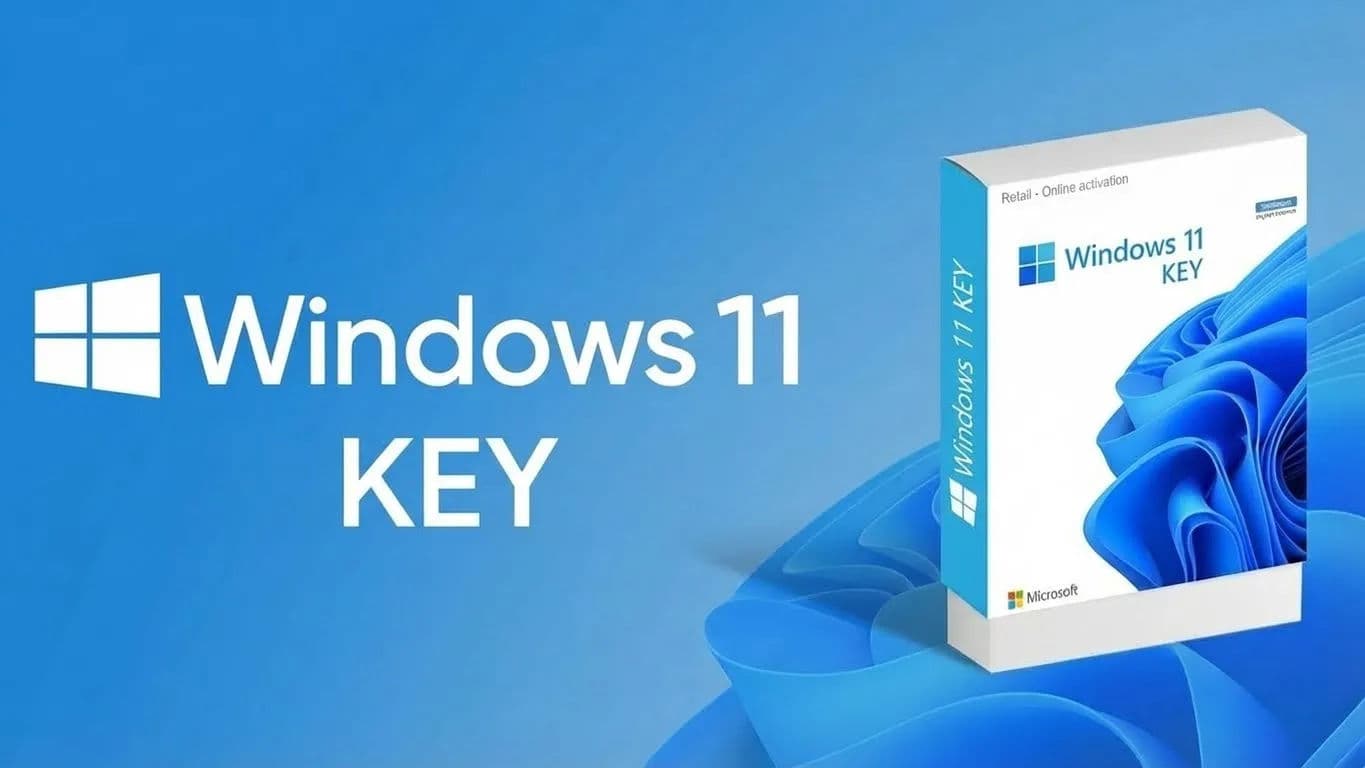
Empire Tech offers the Windows 11 Professional Retail License – Microsoft's latest generation operating system with a modern interface and superior performance. This is the perfect choice for professionals, gamers, and businesses wanting to experience cutting-edge technology.
Uses and Benefits:
Delivery Process (Empire Tech):
Processing Time:
Exclusive Windows 11 Pro Features:
Warranty Duration: Depends on the selected package, please check the information on the website and in the confirmation email sent upon ordering.
Policy:
Disclaimer:
Customer buys a key for a computer that does not meet minimum specs (No TPM 2.0/Old CPU) leading to inability to install Win 11. Customer installs the wrong version (e.g., Enterprise or Education). Customer changes major hardware (Mainboard) invalidating the key. Customer reveals the key to others for activation.
1. Can I upgrade from Win 10 Pro to Win 11 Pro with my current machine? Yes, and it's completely free if your machine meets the specs. Just go to Windows Update to upgrade; the license will transfer automatically. However, if you do a Clean Install of Win 11, you will need this key to activate.
2. Can Win 11 Home be upgraded to Pro with this key? Yes. Go to Activation > Change Product Key and enter the Pro key. The system will automatically download additional files and upgrade the machine to Pro (restart required).
3. How do I know if my machine has TPM 2.0?
Press Windows + R, type tpm.msc, and Enter. If you see "The TPM is ready for use" and Version is 2.0, your machine is eligible.
4. Can this Retail Key be reused when reinstalling Windows? Yes. The license is digitally stored based on the Mainboard. When reinstalling Windows, the machine will recognize and reactivate automatically when connected to the internet.
5. Can I use this key for Mac (Parallels Desktop)? Yes. Windows 11 Pro Retail supports running on Parallels virtual machines well (including Mac M1/M2/M3 with Windows ARM version).
6. Is Windows 11 better for gaming than Win 10? Yes. Thanks to DirectStorage and resource management optimization, Windows 11 offers smoother gaming performance on modern hardware.
7. Does the key have an expiration date? The key is valid for a Lifetime of the device.
8. Can I enter the key if I installed a TPM 2.0 "bypass" version of Win 11? Theoretically yes. However, Empire Tech does not recommend this as bypass versions may be unstable or fail to receive future security updates.
9. Getting error 0xC004C008 when entering the key? This is an activation server error. Please screenshot and send it to Empire Tech CSKH for immediate key replacement support.
10. Do I need a Microsoft account to use it? With Windows 11 Pro, you have the right to set up the machine with a Local Account without being forced to log in with a Microsoft account like the Home version.