

SKU: WINDOWS-10-CMD-CODE
$2.00
$4.15
OFF 52%Delivery
Instant email delivery
Processing Time
Instant - 2h
Warranty
1 Year
* To protect your account information, we do not store customer data when upgrading personal accounts. Please provide your contact information when placing your order so our support team can assist you.
Important Warnings:
- The Retail Key is tied to the Mainboard. If you replace the motherboard, the key may become invalid.
- Please check your Windows version carefully before purchasing. If using Windows 10 Home, you need to enter the key to upgrade to Pro (updates and restart may be required).
- Does not support activation for pirated Windows, cracked versions, or stripped-down versions (Ghost/Lite). A clean install from Microsoft is recommended.
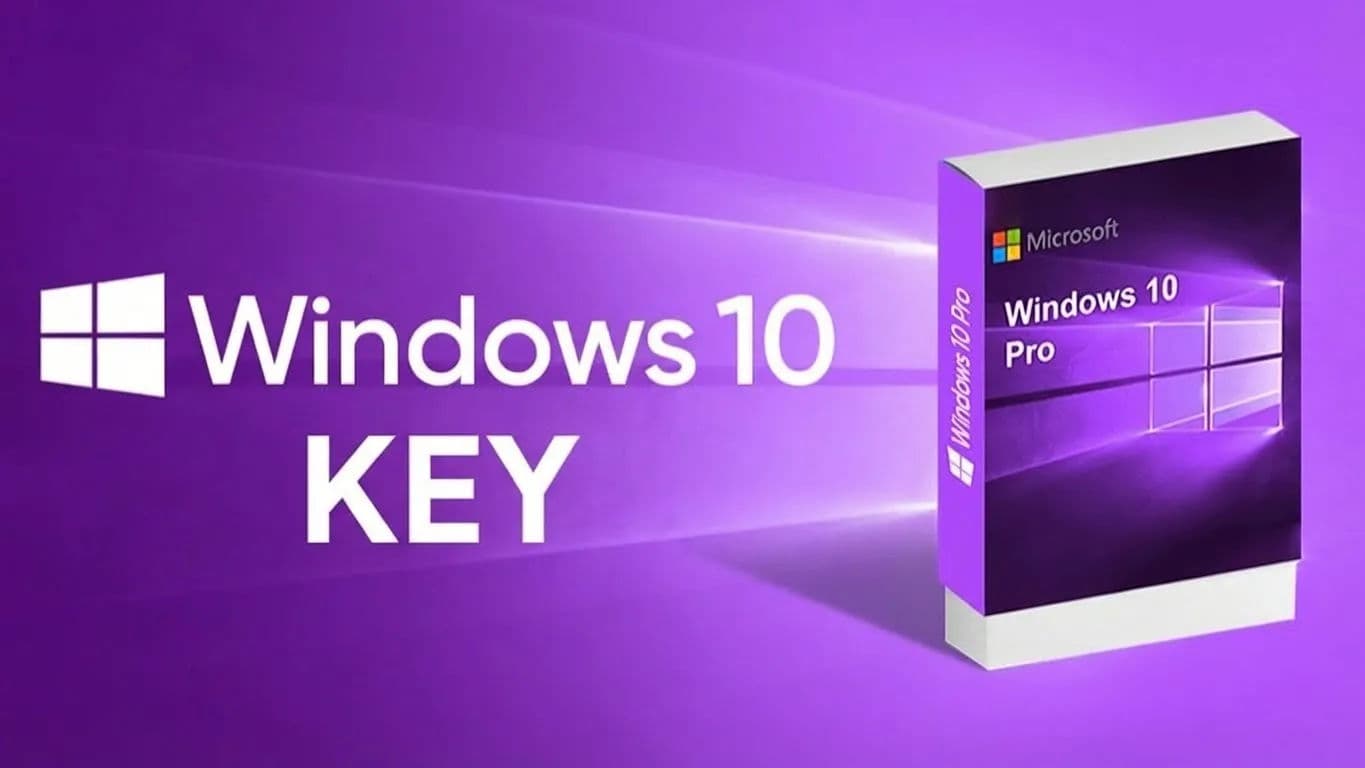
Empire Tech offers the Windows 10 Professional Retail License – The most stable and popular operating system in the world today. Owning a genuine license helps your computer run smoothly, ensures high security, and avoids risks from cracked software (viruses, malware).
Uses and Benefits:
Delivery Process (Empire Tech):
Processing Time:
Exclusive Windows 10 Pro Features:
Warranty Duration: Depends on the selected package, please check the information on the website and in the confirmation email sent upon ordering.
Policy:
Disclaimer:
Customer installs the wrong Windows version (e.g., Machine runs Win 10 Home Single Language or Enterprise but bought a standard Win 10 Pro key). Customer changes major hardware (Mainboard) invalidating the key. Customer's computer has severe system software errors preventing key entry (requires a clean Win install). Customer reveals the key to others.
1. What is the difference between Retail and OEM Keys? Retail Keys are commercial versions, offering higher stability and better support from Microsoft. However, both provide lifetime activation for the machine.
2. Will I lose the license if I reinstall Windows? No. With Windows 10 Retail, the digital license is stored on Microsoft Servers tied to your hardware configuration (Mainboard). When reinstalling Windows, just connect to the internet, and it will auto-activate (or re-enter the old key).
3. Can I upgrade from Win 10 Home to Pro? Yes. Go to Activation > Change Product Key and enter Empire Tech's Pro key. The system will download additional files and upgrade to Pro (restart required). Note: Rare cases may require a generic key first.
4. Can this key upgrade to Windows 11? Yes. If your computer hardware meets Windows 11 requirements, you can update freely from Win 10 Pro to Win 11 Pro while keeping the license.
5. What is the validity period of the Key? The key is valid for a Lifetime for the 01 device you activate for the first time.
6. Can I transfer the key to another computer? Theoretically, Retail Keys are transferable, but the process is complex (deactivate on old machine, call Microsoft...). Empire Tech recommends using it on a fixed machine for stability and the best warranty support.
7. Getting error 0xC004C008 or 0xC004C003? These are activation server errors. If you encounter this after entering the key, please screenshot and contact Empire Tech Support for a replacement or assistance.
8. Do I need to reinstall Windows to enter the key? If you are using the correct Windows 10 Pro version, no reinstall is needed, just enter the key. If you are using Win 7, 8, or Enterprise, a clean install of Windows 10 Pro is mandatory.
9. Can this key be used for Mac (Bootcamp/Parallels)? Yes. As long as you install Windows 10 Pro on that partition.
10. How do I know if my machine is successfully activated? Go to Settings > Update & Security > Activation. If you see "Windows is activated with a digital license...", it is successful.